9 best tips on how to reduce glare on glasses in Zoom & video calls
Updated SEP 28, 2023 • 4 min read


Love them or hate them, Zoom meetings and events are here to stay, and that’s a good thing. However, those of us who wear glasses are still wondering how to get reduce glare on glasses in zoom. But back to the fun parts of Zoom and video conferencing in general.
There’s something really fun and satisfying about sitting on your couch while simultaneously attending a cocktail party, crafting with friends, or meeting new people over a virtual wine tasting. And who doesn’t love the fact that you no longer need to commute to a long boring meeting at work?
Just turn on your computer, click the Zoom button, and voila! You’re there. But after months of Zoom everything, the glasses wearers among us are still plagued by light reflection in glasses. And even with the best light setup, there are still times when that dreaded green reflection shows up. Worse yet, are when the window or light source is clearly visible in our lenses.
We came up with a few tips to keep your screen and light source from reflecting off your eyeglasses.
Jump to content
- Start by reconfiguring your setup
- Tip 1: Try a different angle
- Tip 2: Elevate yourself
- Tip 3: Add another ring light
- Tip 4: Pull down the shades/pull up the shades
- Tip 5: Play with smart lighting
- Tip 6: Turn off the other screen
- Tip 7: Upgrade your anti-reflective lenses
- Tip 8: Wear contact lenses for your meeting
- Tip 9: Try a distraction technique
- Recommendations
Start by reconfiguring your setup
After months of sitting in the exact same spot with the lighting you think works best, it could be time for a lighting makeover. This might take a bit of time, so try this on a day when you don’t have any meetings.
Continue by taking a good look at your Zoom setup, and try each of the following to see if changing one thing helps reduce the glare on your glasses.
Tip 1: Try a different angle
Sit where you always do with the lighting exactly the way you always use it. Pay attention to the way the light hits your glasses. Do you still have a light reflection in your glasses? Is it coming from a particular angle? Try shifting your body slightly. It’s possible that sitting at a different angle will quickly solve an annoying problem.

Tip 2: Elevate yourself
It’s possible that you’re sitting directly in front of the screen, and that causes the dreaded (and if we’re admitting it, really odd) green reflection in your glasses. Try sitting on a pillow or elevating your screen. By putting your body or screen higher, you might be able to skip the reflection and focus on your (gorgeous) face.
Tip 3: Add another ring light
Wait, what? Haven’t we all been told that ring lights are the be-all and end-all in Zoom lighting? Indeed we have. But for people who wear glasses, a ring light — circular lights that fit around a phone or camera lens — can add a strange ring light reflection in glasses. By positioning one ring light on either side of you instead of directly in front of you, you might be able to create subtle lighting without any reflection.
Tip 4: Pull down the shades/pull up the shades
Is it possible that all that natural light is causing a weird reflection on your glasses? I tend to pull down the shades before a Zoom, because the light can be so bright that it washes me out completely. It also really helps reduce glare from glasses.
Tip 5: Play with smart lighting
I’m a big fan of Philips Hue bulbs (or similar) which boast millions of color options (and no, I’ve never actually counted how many I use!). When on a Zoom, I set up two of my bulbs far behind my screen in a rosy/gold lighting combo. Besides being very flattering, it also minimizes reflection.
Tip 6: Turn off the other screen
I know you think that you’re so secretive while you’re scrolling through your messages while your supervisor drones on and on, but everyone knows exactly what you’re doing. And before you even try to deny it, the phone on your lap or off-camera could be the culprit causing the reflection in your glasses. Try not to scroll through messages during a Zoom meeting since you’ll appear distracted and the proof — in the form of a reflection on your glasses — will be visible to all.
Tip 7: Upgrade your anti-reflective lenses
Did you know that there are different types of anti-reflective coatings available for your lenses? I didn’t. A quick look through lens customization options and you’ll find the Diamond package which not only offers ultra-thin lenses, but also enhanced anti-reflective coating.

Tip 8: Wear contact lenses for your meeting
If you’re a contact lens wearer, this would be a good time to break out a pair. By wearing your contact lenses you completely avoid the dreaded glasses reflection!
Most popular contact lens brands.
 Vista Plus
 FreshLook
 Acuvue Oasys
 Air Optix Colors
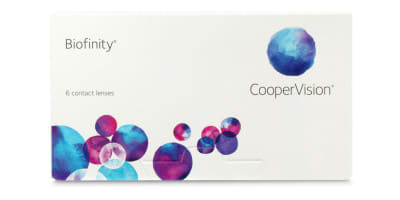 Biofinity
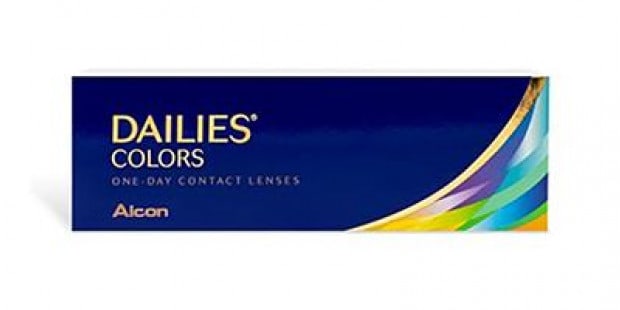 Dailies
Tip 9: Try a distraction technique
This one is a totally fun idea. Give people something else to focus on instead of the reflection in your glasses. Choose a funky oversized frame, a fun color or even a pattern.
If you’re looking for recommendations, try one of these:
- The Ottoto Magnus frames have a double shot of trendiness with an updated aviator frame with a double brow design.
- The amazingly cool Muse Gladys transitions from ocean blue to turquoise. The color play will help disguise any reflection.
- There is so much going on in these retro hip Versace, that no one will notice any reflection on your lens.
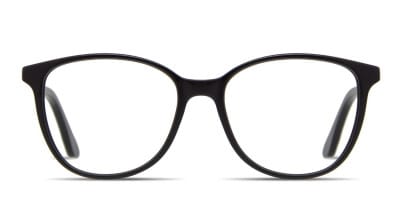 Oversized
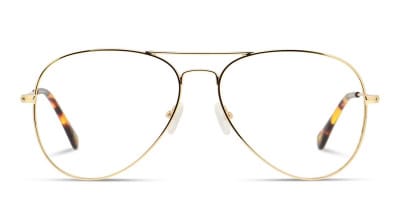 Aviator
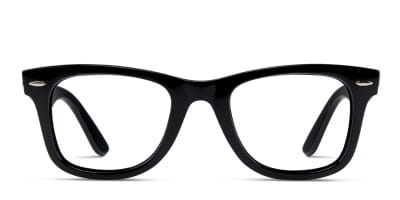 Wayfarer
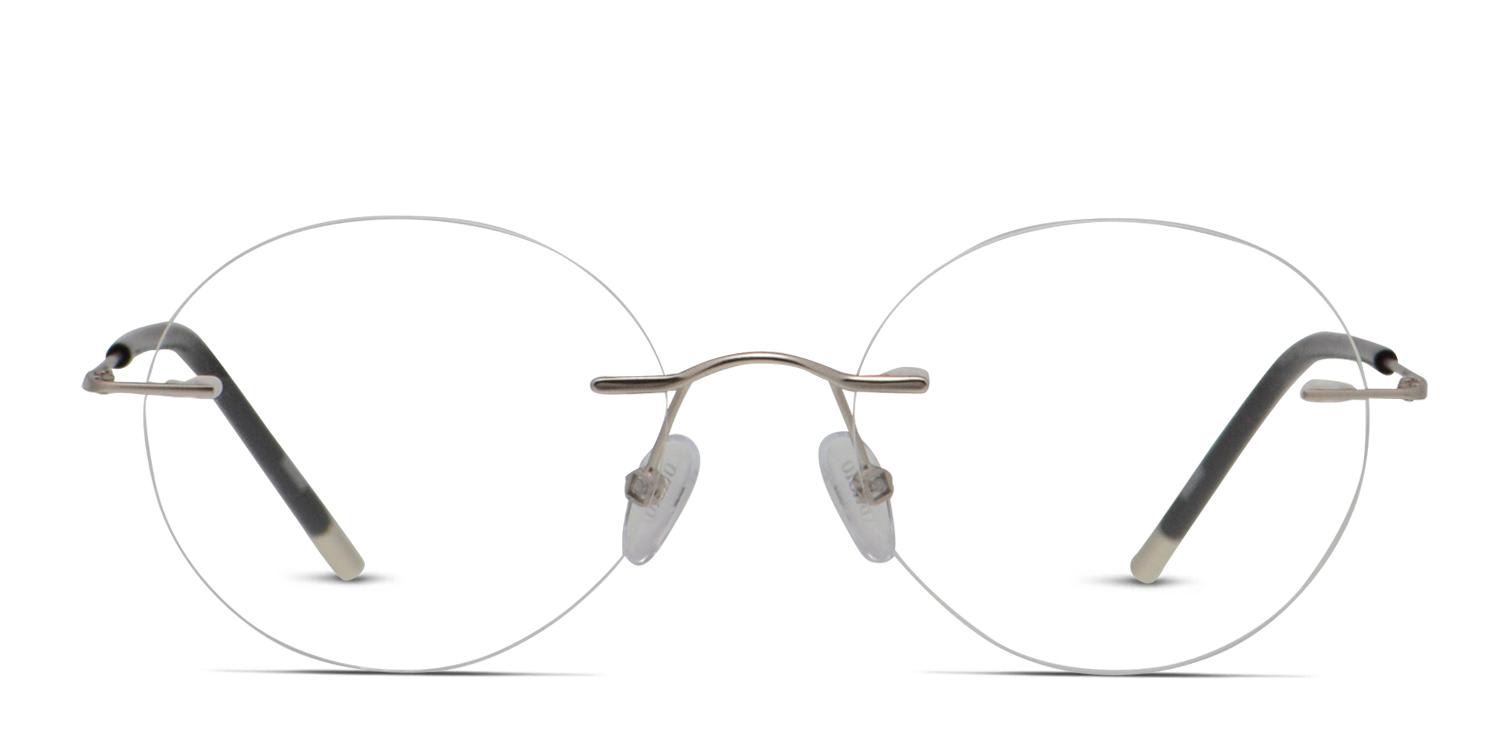 Rimless
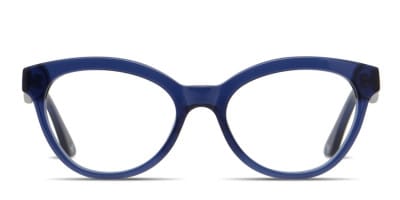 Cat Eye
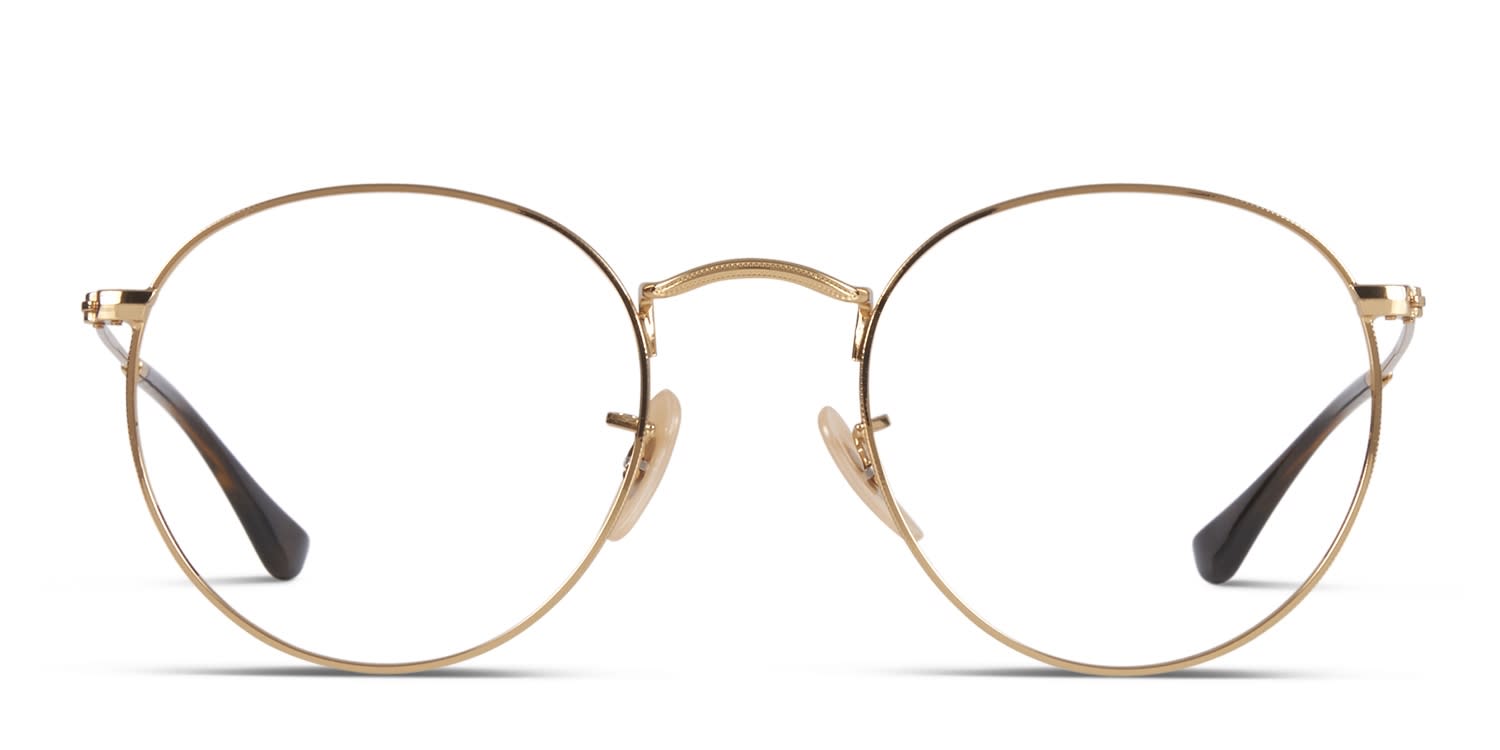 Round
Round
Published July 29, 2022|Updated September 28, 2023